Visualist Design System
A design system built from scratch with AI in the loop: designed in Figma, shipped as code, and kept in sync as it grows.
- Role
- Product Designer - Engineer
- Timeline
- 2026 (Q3 to Present)
- Platform
- Web Showcase
- Live site
- visualist-ds.vercel.app ↗
Tools
Overview
Most design system case studies end at the Figma library. This one doesn’t. I set out to test a real workflow: design a system from zero, ship it as production-ready code, and keep both sides aligned over time, with AI doing the heavy lifting and my design decisions steering it.
The challenge
Design systems usually fail after launch. Figma and code drift apart, documentation goes stale, and every update becomes a manual handoff. I wanted to know if AI could make that maintenance loop cheap enough to sustain, without lowering the quality bar.
Approach
Strategy before pixels.
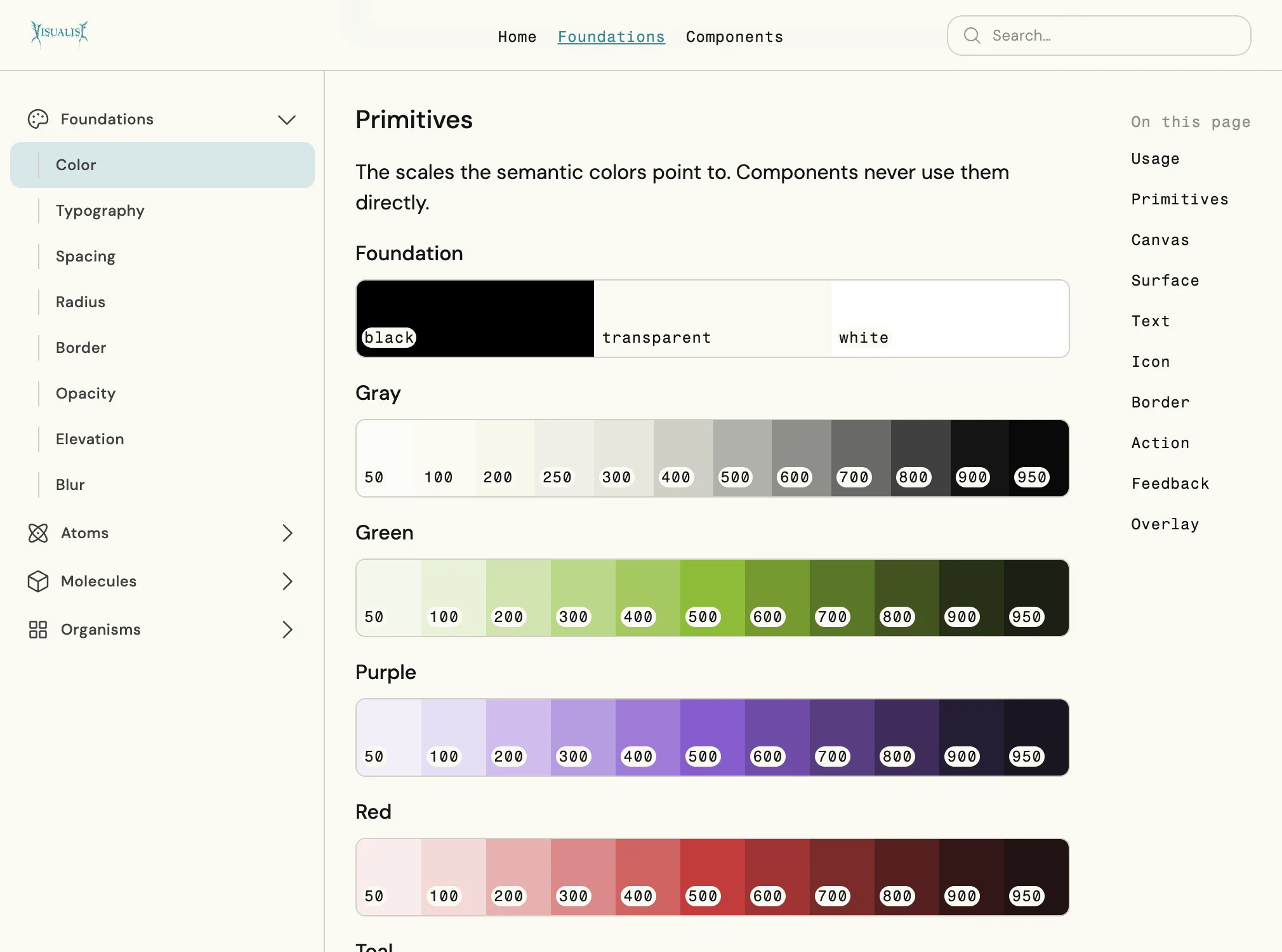
I started with greenfield foundations and a two-tier token architecture. Primitives hold the raw values, and semantic tokens give them meaning. Components consume only semantic tokens, so a theme change never means touching a component.
PRIMITIVE
color/gray/900
Raw value · #141414
SEMANTIC
color/text/default
Meaning · body text
COMPONENT
Button / Label
Consumes semantic only
A gray scale with a point of view.
I anchored the scale to a warm off-white (#F7F7ED) and a soft near-black (#141414) instead of pure white and black, then used an accelerating power curve (γ = 1.4) to calculate the blend weights, so the steps between them look even to the eye rather than just mathematically even.
- 50#FCFCF9
- 100#FAFAF3
- 200#F7F7ED
- 250#F0F0E6
- 300#E8E8DF
- 400#D0D0C7
- 500#B1B1AA
- 600#8F8F8A
- 700#696966
- 800#40403F
- 900#141414
- 950#0A0A09
Teaching the AI my standards.
Instead of prompting from scratch each time, I wrote four reusable skills for the Figma agent:
Skill 01
UI component design
Skill 02
UI template design
Skill 03
Design token documentation in canvas
Skill 04
Component documentation in canvas
Every component came out of the same rules, with its documentation built alongside it.
Design to code, continuously.
Supernova exported CSS variables every time the system changed. Claude Code, GitHub, the Figma MCP and Vercel then turned the Figma files into a coded, deployed system.

Figma
Source of truth

Supernova
CSS variables


Claude Code + Figma MCP
Figma → code

GitHub
Versioned

Vercel
Deployed
The rule that governs it: Figma is the source of truth, and when code disagrees, Figma wins.
The result
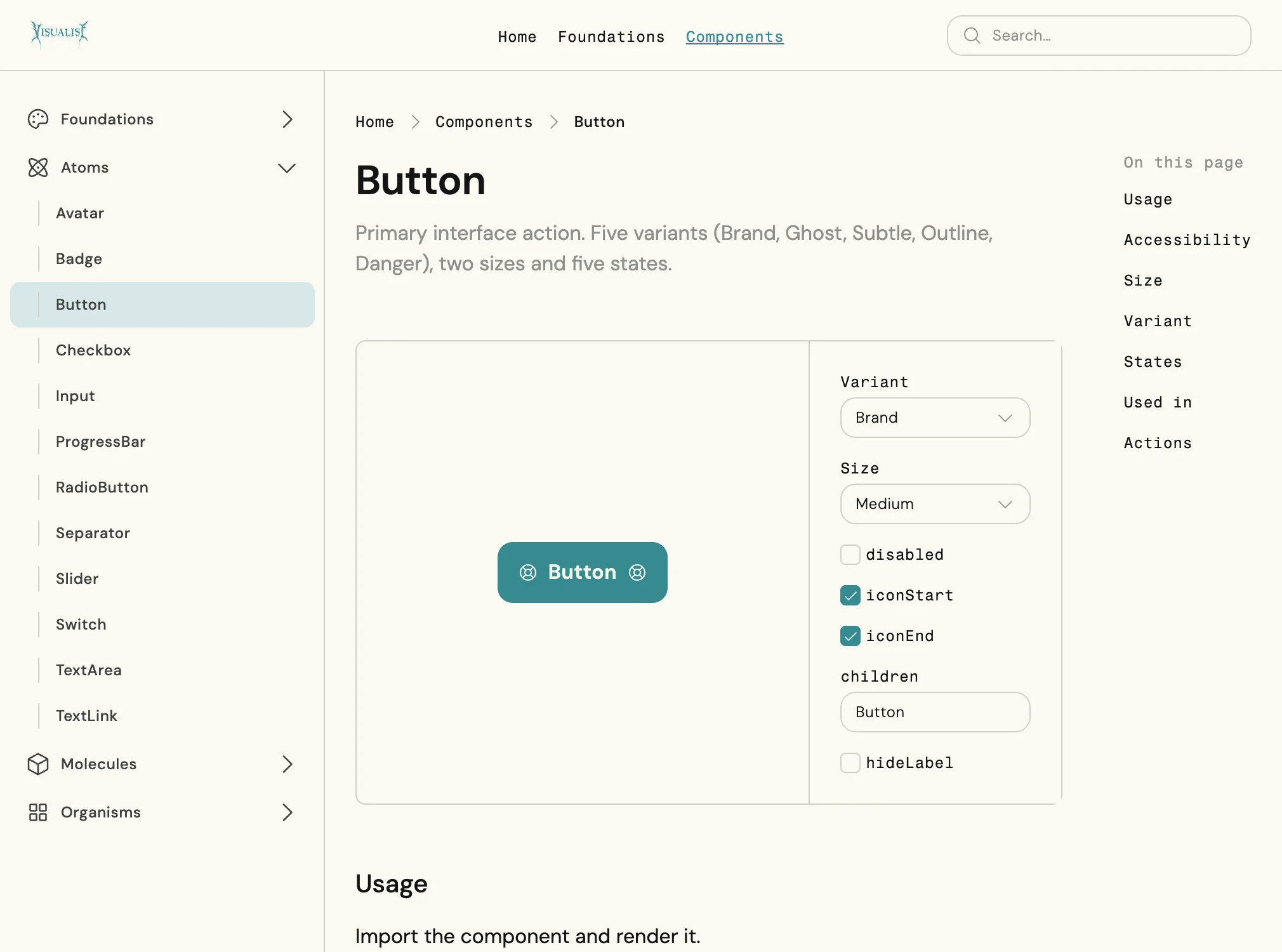
A live design system, documented and deployed, that anyone can browse and every component can be tried in.
8 Foundations
37 Components
Every component:
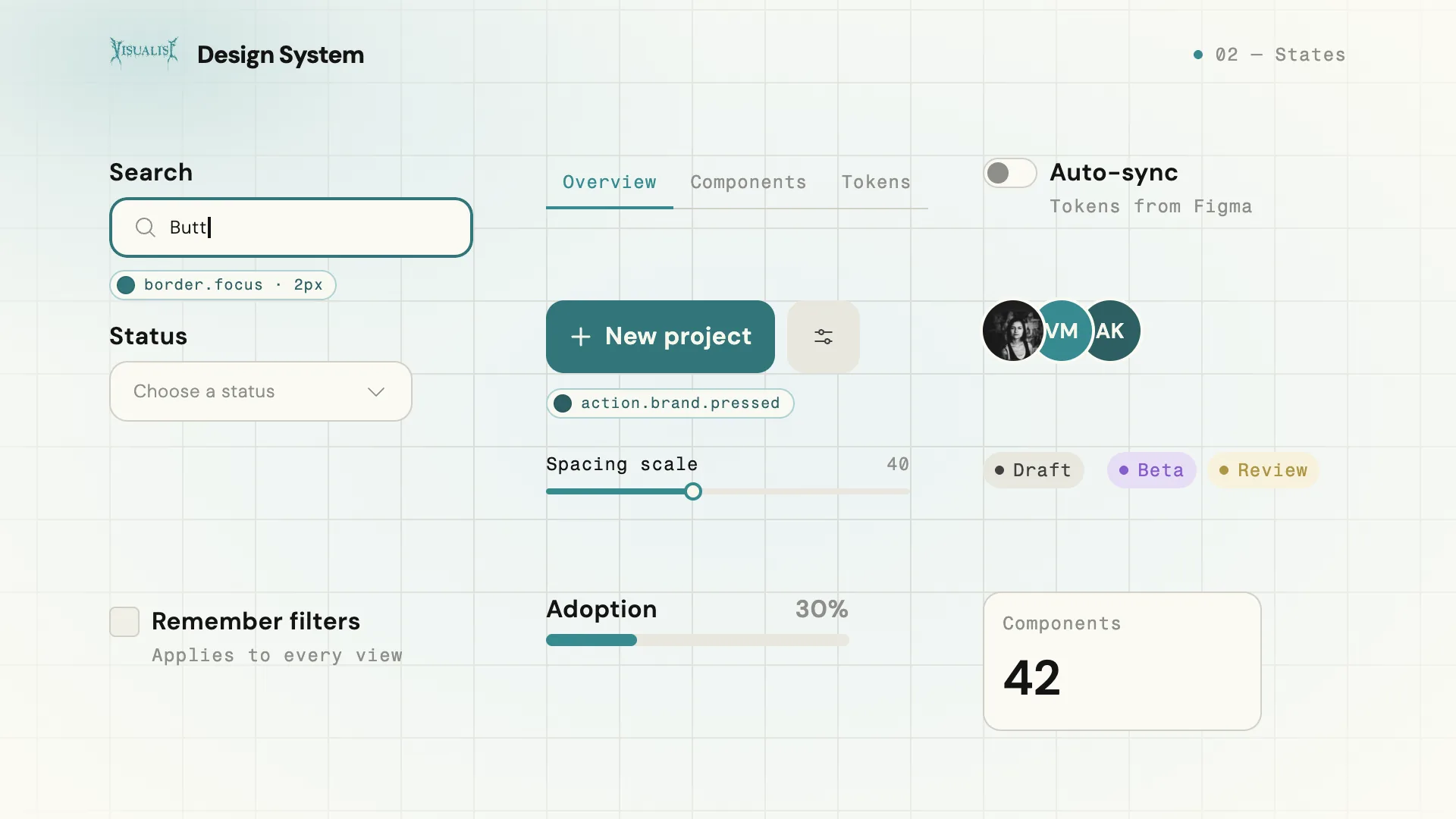
 uses semantic tokens only, enforced by validators on every file
- has real hover, focus, pressed and disabled states in plain CSS
- is accessible by default, with native elements, full keyboard support and axe checks on every page
What I learned
AI didn’t replace design judgment; it moved it.
My work shifted from drawing components to defining the rules, skills and checks that make good components repeatable. The most valuable output wasn’t any single component. It was a workflow I can run again, and trust, on the next system.
More work
Or see NotesKeep reading: another side project and a client project.